Resolve Keep2Share Captchas in Bearcat
“Unicorn” captcha challenges
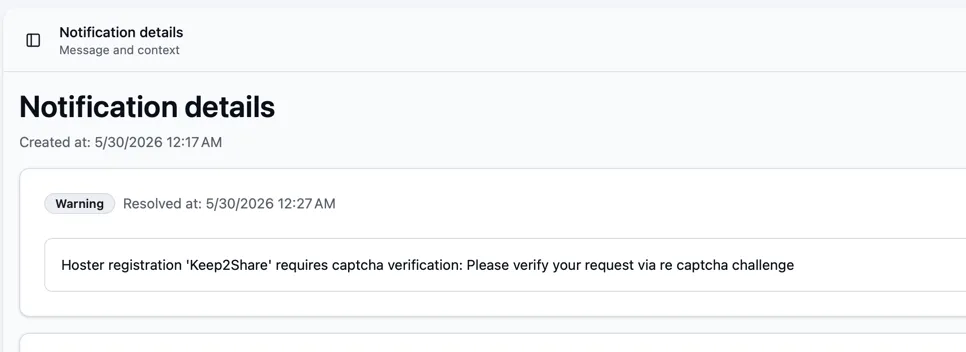
Section titled ““Unicorn” captcha challenges”Keep2Share sometimes requires a captcha when it does not trust your IP address. Until you solve it, API calls fail. Bearcat disables the hoster registration and notifies you. This prevents further requests that could trigger an IP ban.
-
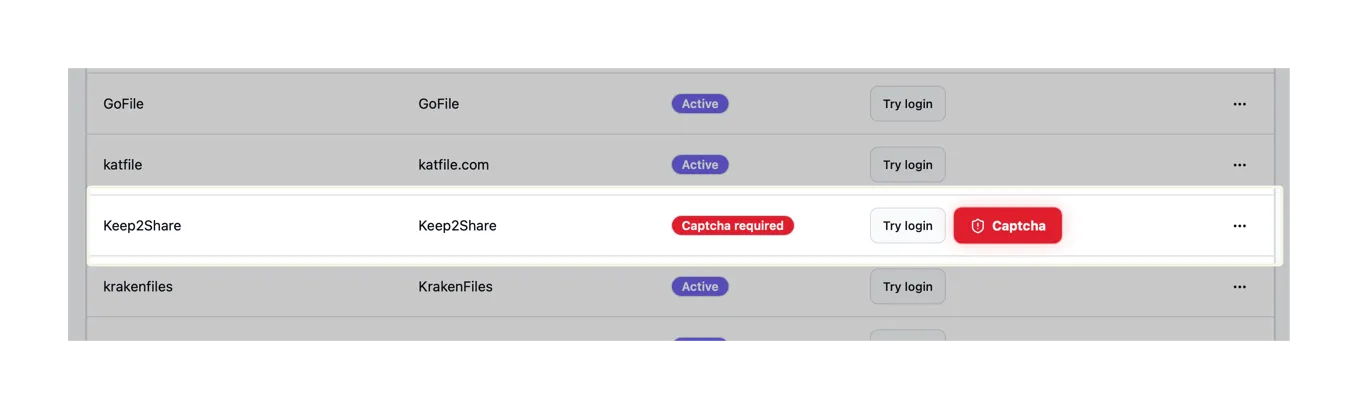
Open Hoster registrations and click the captcha button for your Keep2Share account.
-
Click Get challenge in the dialog, then open the link shown.
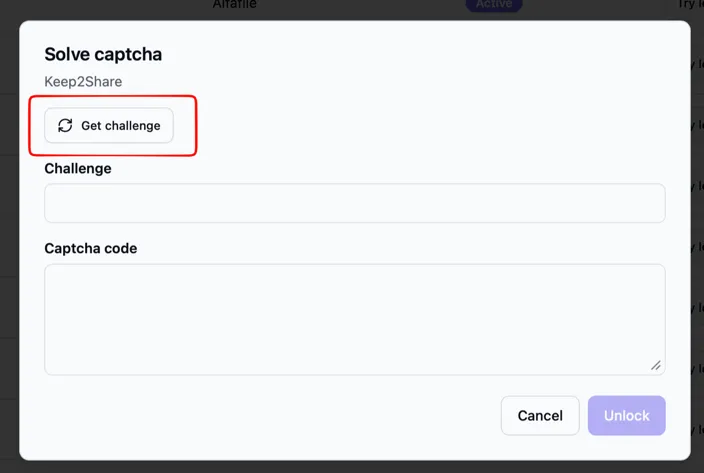
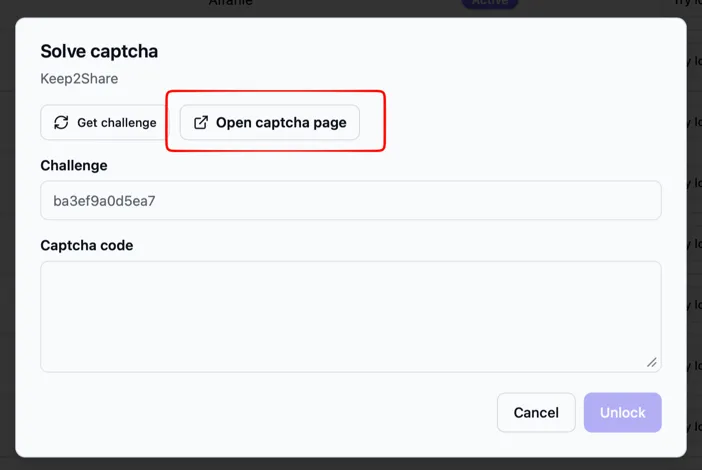
-
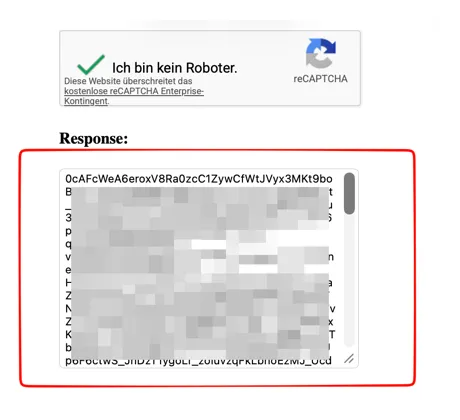
Solve the captcha and copy the token from the Response box.
-
Paste the token into Captcha code in Bearcat and click Unlock.
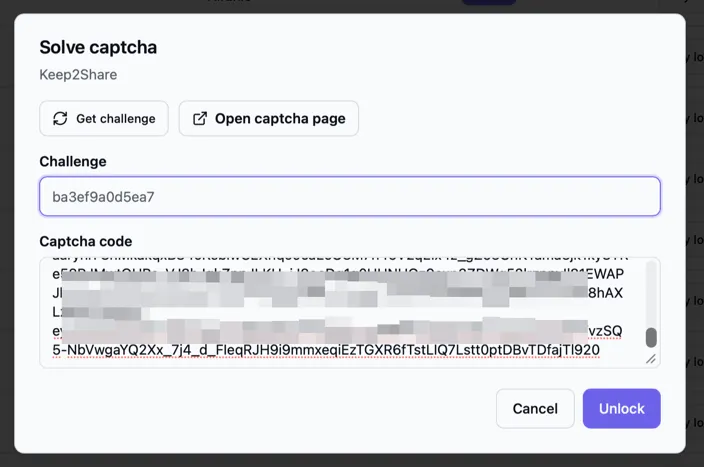
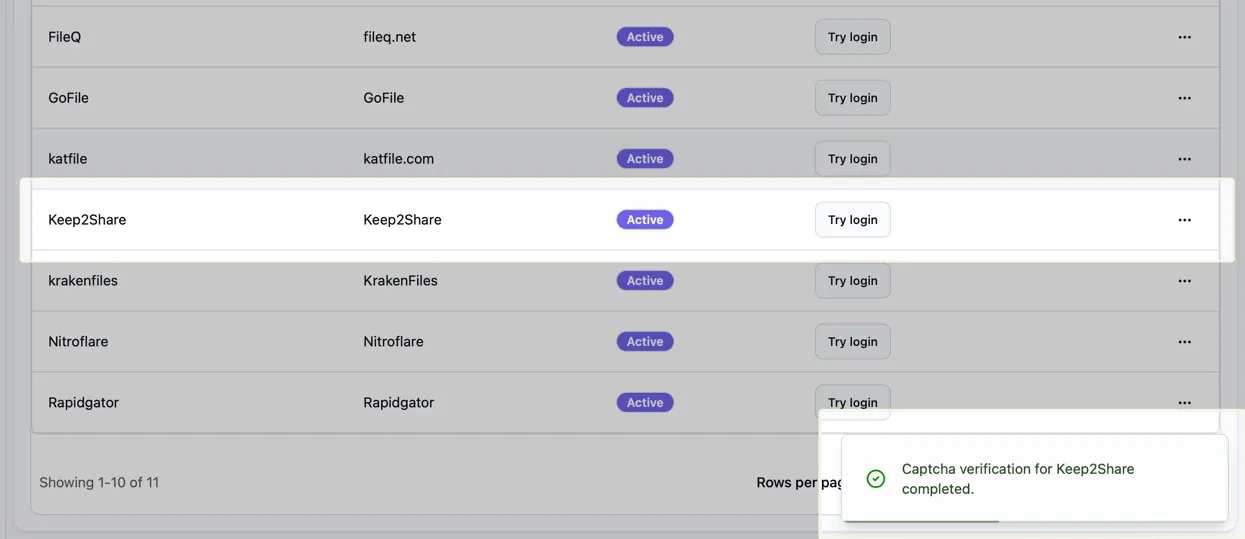
After a successful login, Bearcat reactivates the hoster registration automatically.