
Upload manager for one-click hosters
Get started
Section titled “Get started”Install Bearcat using one of the options below. Setup starts when you first open Bearcat. See Your first upload for the steps.
What is Bearcat?
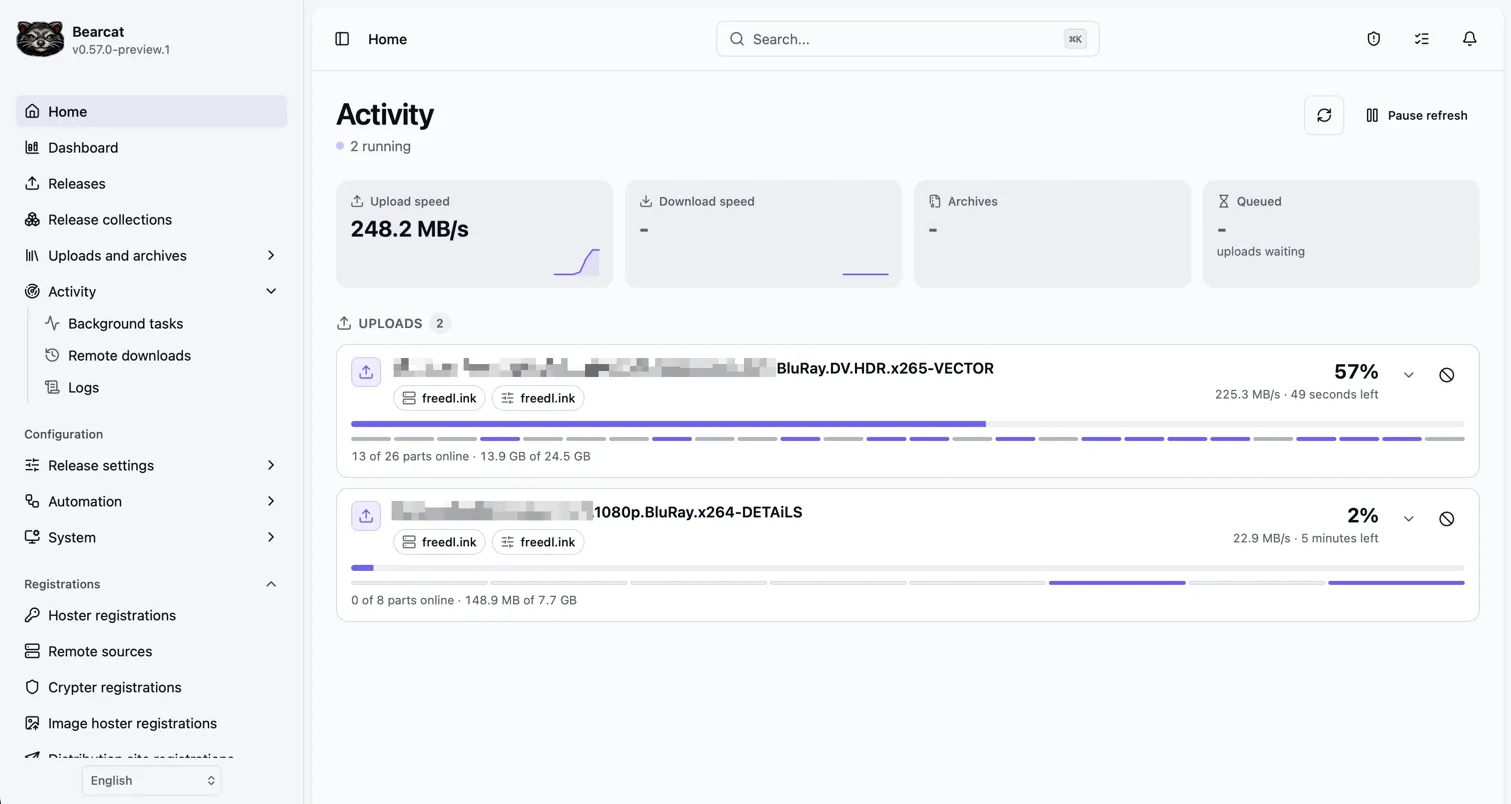
Section titled “What is Bearcat?”Bearcat runs on your desktop, NAS, or server. Use its web interface to manage releases, create archives, and upload them to your hosters. Bearcat checks the links and reuploads offline files.
You can:
- Automatically download releases from FTP/FTPS servers, verify SFV checksums, and optionally extract RAR or 7z archives.
- Pack releases into RAR or 7z archives, or upload archives you already have.
- Upload to Rapidgator, DDownload, Keep2Share, and the other hosters listed below.
- Free local disk space and restore archives from a mirror hoster when a reupload needs them.
- Look up release information and NFOs through xREL and SRRDB, movie or TV metadata through TMDB and TheTVDB and game metadata through Steam.
- Read resolution, codecs, and audio and subtitle tracks from your video files with MediaInfo.
- Upload cover images and use them alongside download links and NFOs in BBCode templates.
- Prepare forum drafts and submit them yourself, or use posting rules to post automatically.
- Find releases ready to post in the post queue.
Common questions
Section titled “Common questions”Can I use PostgreSQL?
Section titled “Can I use PostgreSQL?”Yes. New installations use SQLite, but you can set up PostgreSQL or use the Docker option. Existing PostgreSQL installations keep their settings.
Can I upload existing archives?
Section titled “Can I upload existing archives?”Yes. Use an unmanaged release for existing archives, or a managed release to let Bearcat create them. See release types.
Do I have to keep every archive on disk?
Section titled “Do I have to keep every archive on disk?”No. Enable a hoster as a mirror so Bearcat can download archives when needed for a reupload. Delete local copies yourself or set a retention period for automatic cleanup.
The hoster must support downloads through its API, and some hosters require a premium account. See mirror downloads for supported hosters and setup instructions.
Supported services
Section titled “Supported services”File hosters
Section titled “File hosters”- Rapidgator
- DDownload
- GoFile
- Keep2Share
- Alfafile
- NitroFlare
- 1fichier
- Uploady.io
- Katfile
- Krakenfiles
- FileQ
- UploadG.com
- FileServe.com
- Clicknupload.click
- HxFile.co
- file-upload.org
- datavaults.co (maximum file size: 100 MB)
- Fast2Share.com
- CloudFam.io
- freedl.ink (minimum file size: 1 MB)
- mega4upload.net
- turbobit.net (API key from cabinet.costaction.com)
- hitfile.net (API key from cabinet.costaction.com)
Video hosters
Section titled “Video hosters”- DoodStream
- MixDrop
- Playmate
- Streamtape
- Vidara
- Videro
- Vixeo
Linkcrypters
Section titled “Linkcrypters”- Hide.cx
- Keeplinks
- tolink.to
- filecrypt.cc
Image hosters
Section titled “Image hosters”- ImgBB
- pixhost.to (no API key needed)
- pixelfox.cc
- loepic.me
- directupload.eu (no API key needed)
Forums
Section titled “Forums”The XenForo plugin should work with most XenForo forums without a captcha at login (tested with data-load.me and myboerse.bz). There are also dedicated plugins for data-load.me and boerse.cx.